Re-filming my (Harvey) content
I had already filmed all of my content on the weekend of Week 1. I had filmed myself in front of a green screen which was a mistake. Filming in front of a green screen was one of the major error that was made in the process of production of the documentary. This is because, whilst I was editing I had encountered errors with the overall colour of my appearance in the video. Once I had layered the video content onto the green screen, I had appeared to slightly discoloured ( as seen in the photos )
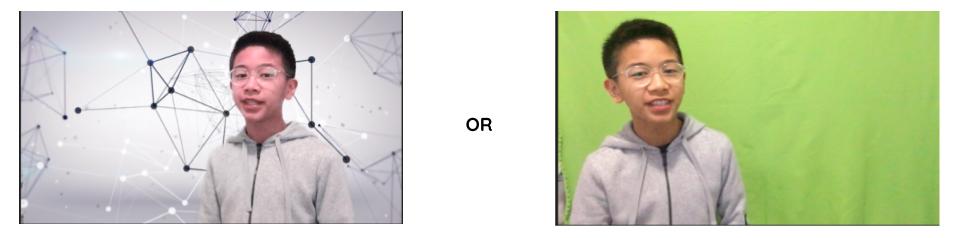
This was one of the reasons why I decided to re-film my content. By choosing to re-film, I was able to avoid having to adjust the colour to a specific saturation, and light for each of my clips. This decision has impacted the documentary, as it provides a more current, and contemporary feel to this section of the documentary. This contemporary characteristic is essential, as this section of the documentary is about the present immersive technology.
Another reason why I chose to re-film my content, was because of the time limit (6-8 minutes). In a group of three, we would need at least 2.5 minutes each. But my total footage alone was 5 minutes long, which only left 3 minutes (maximum) for my two other group members. I decided to re-film the following week, and I was able to cut my total footage down by 1 minute, which allowed my group members to have at maximum, 2 minutes each. By re-filming, it was easier to edit and put together the whole documentary. If I had stuck to my old footage, I would’ve struggled to cut my time down, which would’ve caused me to take longer in the editing process.
Adding filters onto Shawn, and Oscar’s footage
By adding filters to Shawn and Oscar (as seen in this image)
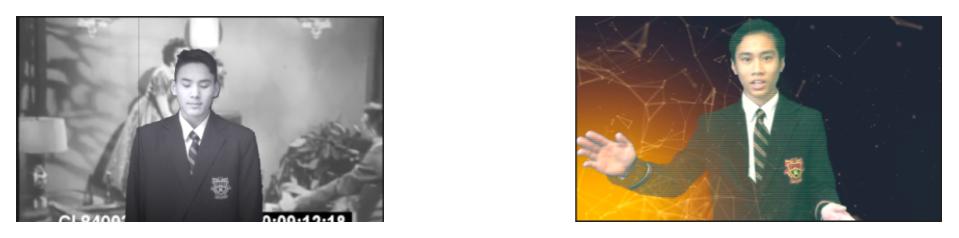
I was able to make Shawn’s content look as if he was filmed decades ago, which is the aim for the audience. To immerse them into the time period. In Shawn’s footage, I added a black and white filter to his footage. This makes him looks as if he truly was filmed in the past, since Shawn discusses the technology used in the past. In Oscar’s footage I utilised the hologram filter. This filter, makes Oscar appear as a hologram, which provides a futuristic feel and experience to the audience. These filters that I have added into their footage, will allow the viewers to be immersed into the time period being discussed by Oscar and Shawn (past & present)
Writing a script
I chose to create a script (https://docs.google.com/document/d/1zCpezRxL6faf2Cuasb4_RnTgDnX99wB_C7ILpIU93Bo/edit), and this has benefitted me, especially in the editing process. This is because I wrote, what the audience will hear and see from the documentary. In addition to this, I wrote the editing aspects of the documentary. For example, I would write what images to add, what video clips, and the sound effects. This has made a positive impact on the editing process, as it had made it easier for me to keep track of what I had in mind for the scene. It was easier to edit, as I knew what to add, and what the scene should look like. All I had to do was to look at the script, and follow it.
Filming in front of a Blue screen.
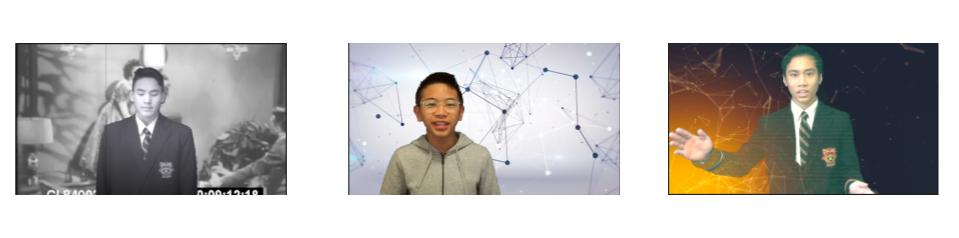
By filming in front of a Blue screen, we were able to add backgrounds that kept the audience’s attention. The Blue screen had allowed us to engage the audience, and to essentially keep them watching. This is important, as it allows the audience to focus on the information about immersive technology through time.
In addition to this, filming in front of a blue screen, has made it easier to film in general. It allowed me to add any background of my choice, instead of having to find a place to film that directly relates to technology.

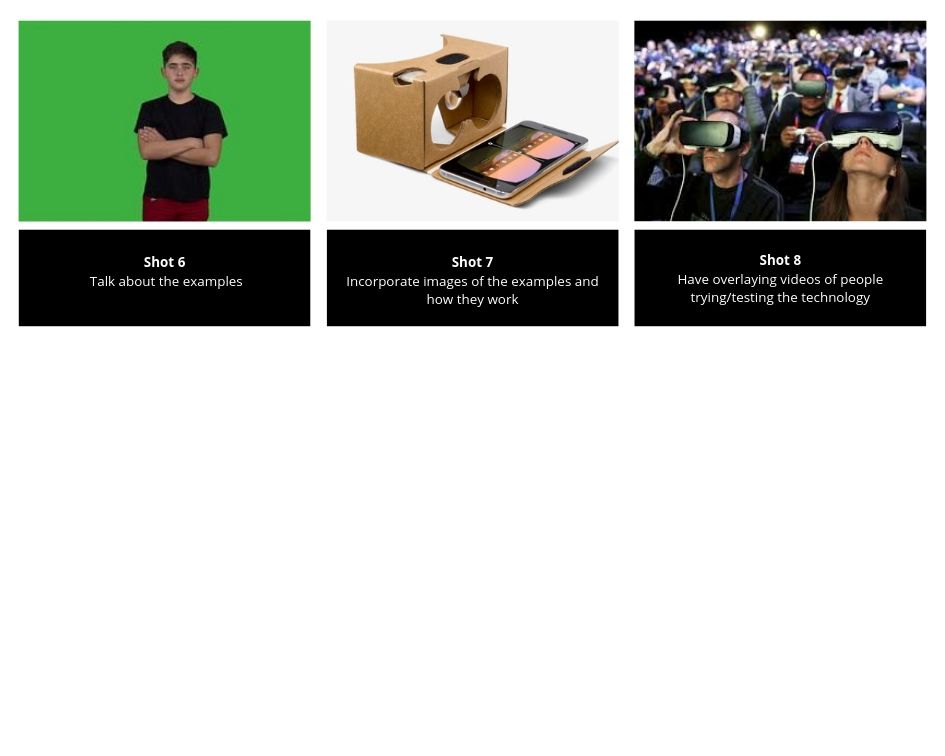


 Immersive & Interactive Technology